iPhone 101 · the waitlist
Finally feel confident with your iPhone — one calm step at a time
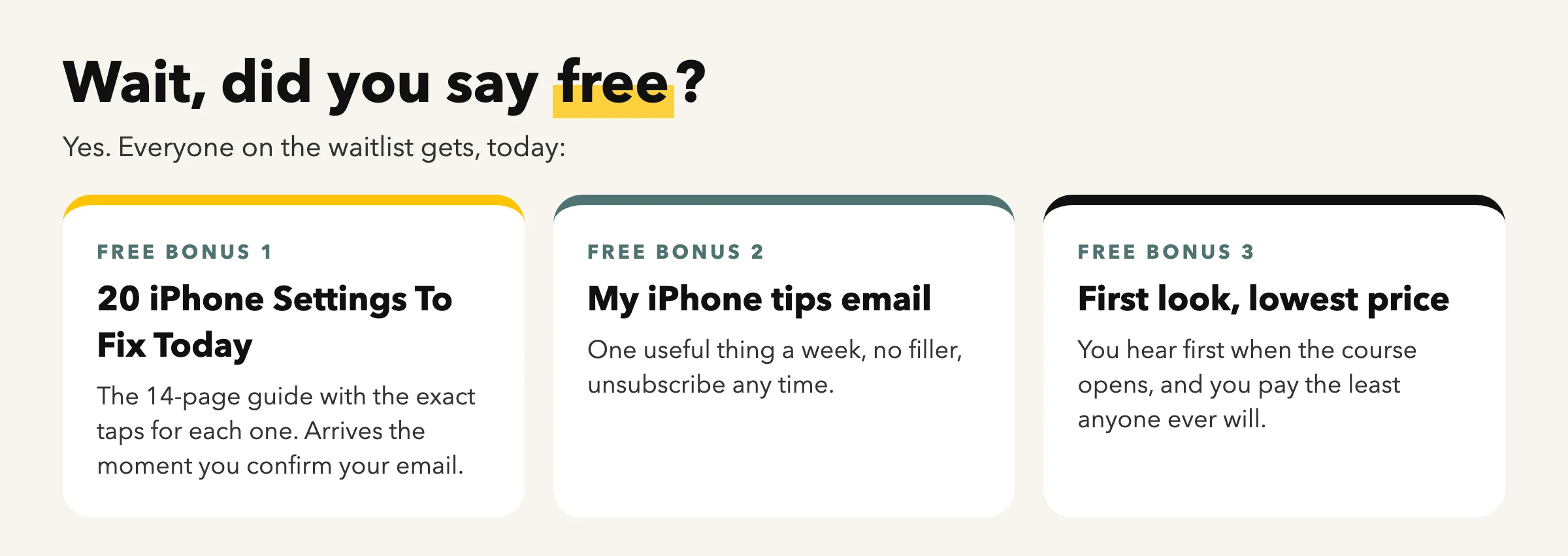
Join the iPhone 101 waitlist: the complete, self-paced video course from the channel millions of people watch every month. Join today and get the free guide, 20 iPhone Settings To Fix Today, straight away.
free guide today · under $100 when it opens
Watch first (90 seconds)
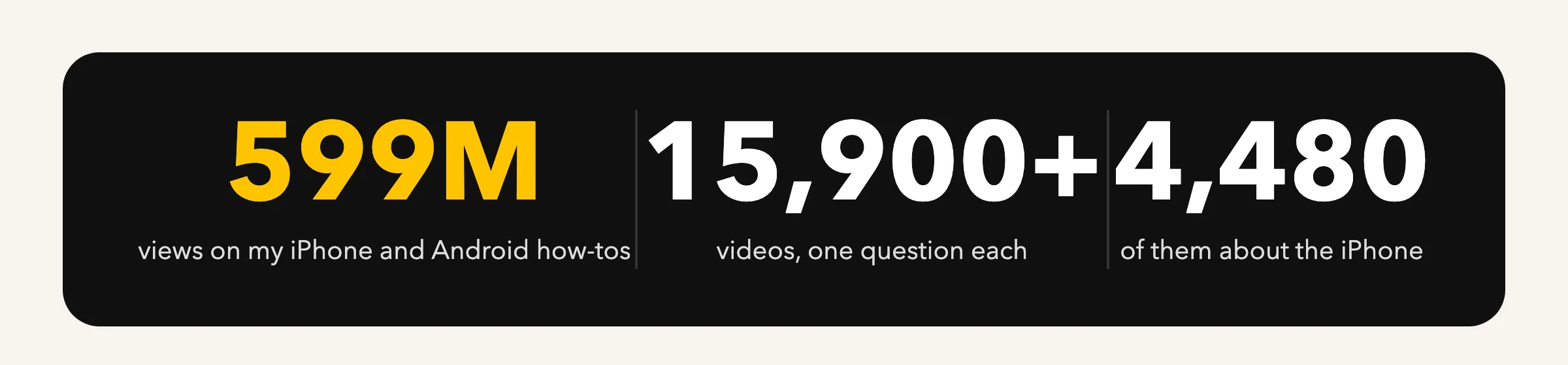
My iPhone videos are watched millions of times every month.
Short, calm, one question at a time. iPhone 101 is all of it, in order.
What do you need help with?

Settings that matter
The switches that keep your iPhone private, quiet and charged, and the ones to leave alone.
See the videos
Photos that never get lost
Where your photos really are, iCloud in plain English, albums, sharing, freeing space.
See the videos
Calls, texts and FaceTime
Spam calls, voicemail, group texts, blocking, and the Phone app’s hidden screens.
See the videos
When something goes wrong
Slow phone, full storage, no sound, no Wi-Fi, a frozen screen, and when to call Apple.
See the videosWatch the latest videos, written up
Every video becomes an article: the video, what it fixes, and every tap in order.
-
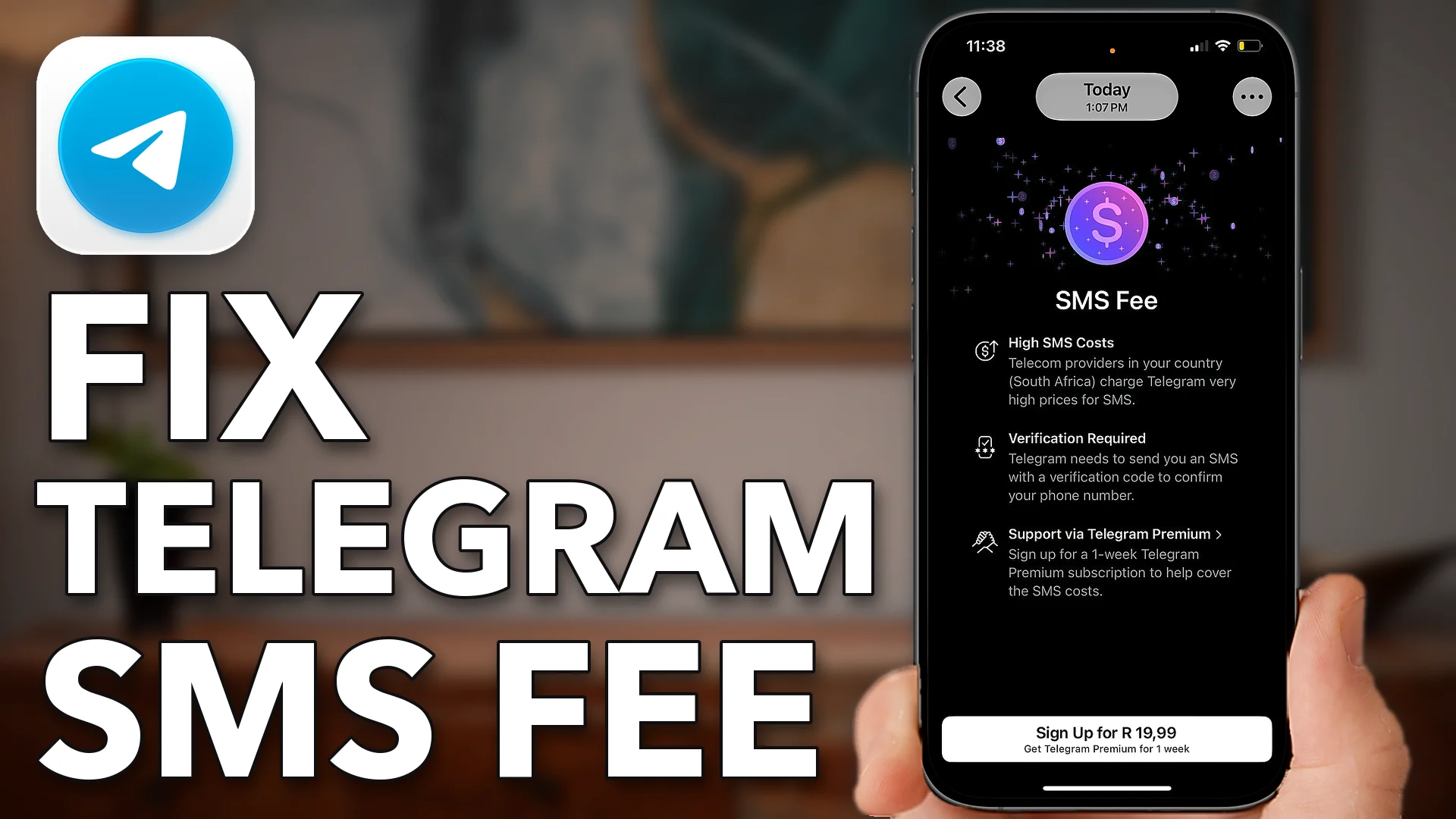
How To Fix Telegram SMS Fee Problem
Telegram charges an SMS fee when your login code costs too much to send. Check your country, ask…
-
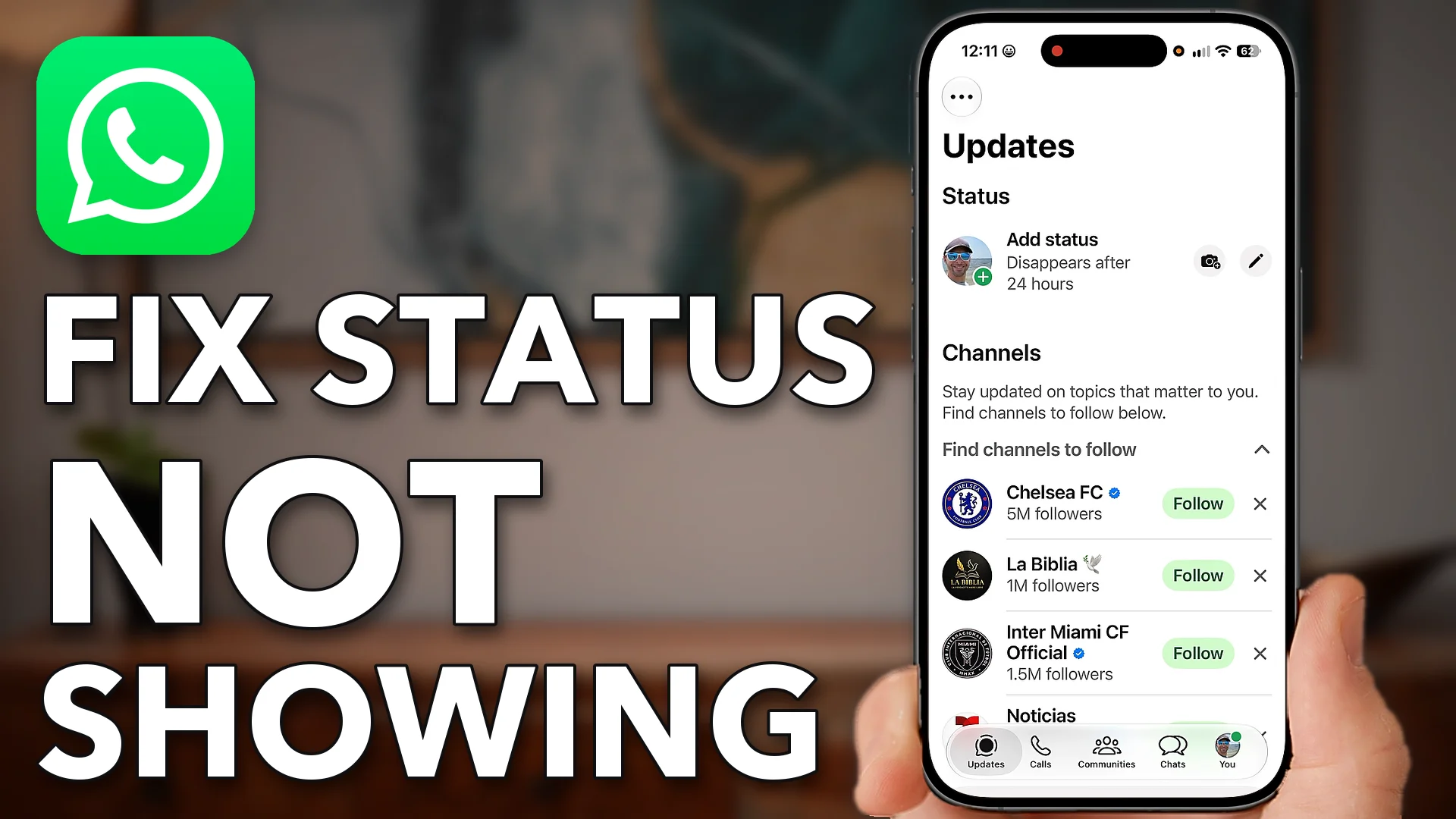
How To Fix WhatsApp Status Not Showing
When WhatsApp statuses stop showing, offload and reinstall the app to clear its cache and force an update.…
-
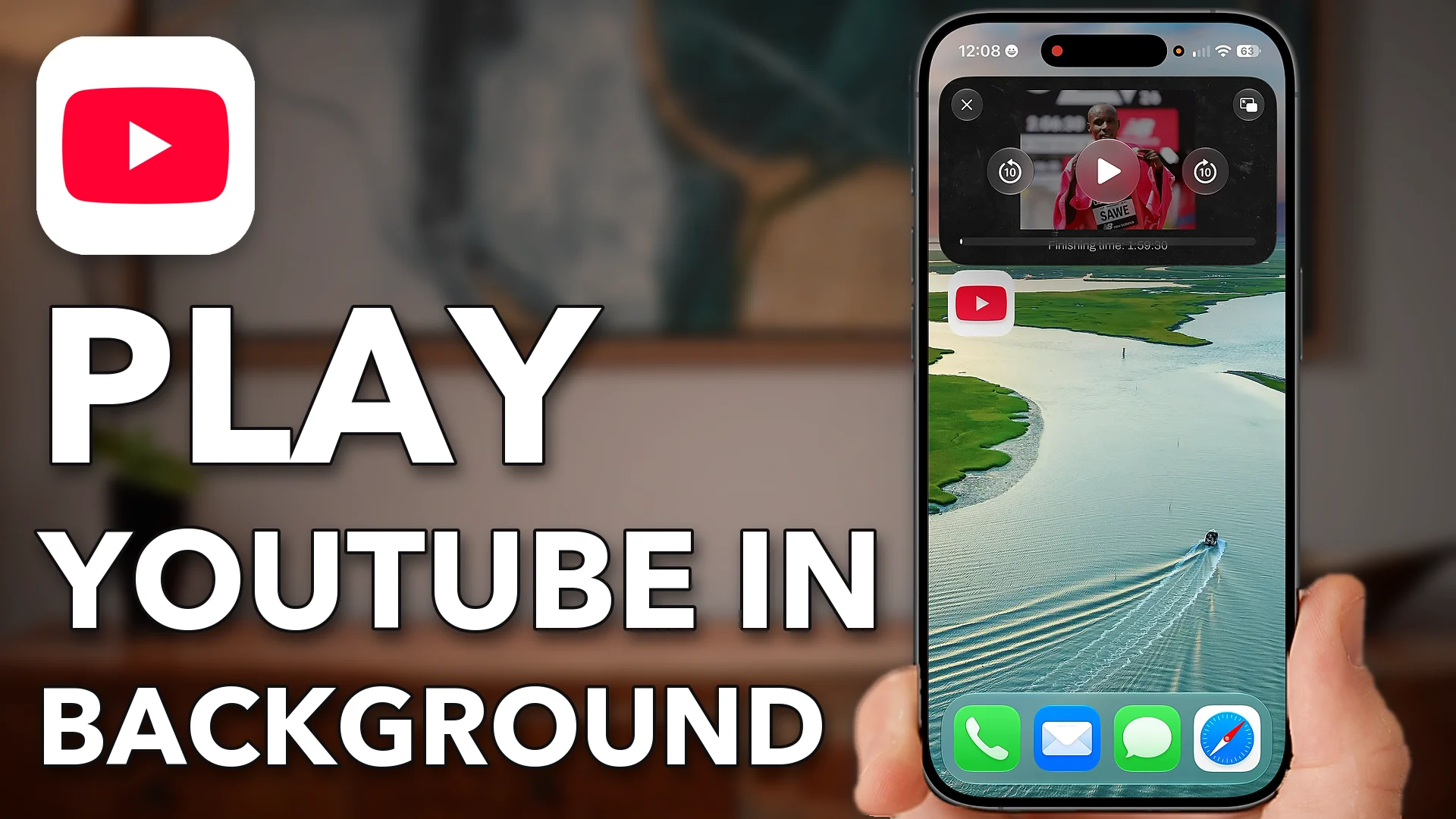
How To Play YouTube In Background On iPhone
Turn on Start PiP Automatically on your iPhone and Picture-in-Picture in the YouTube app, and videos keep playing…
-
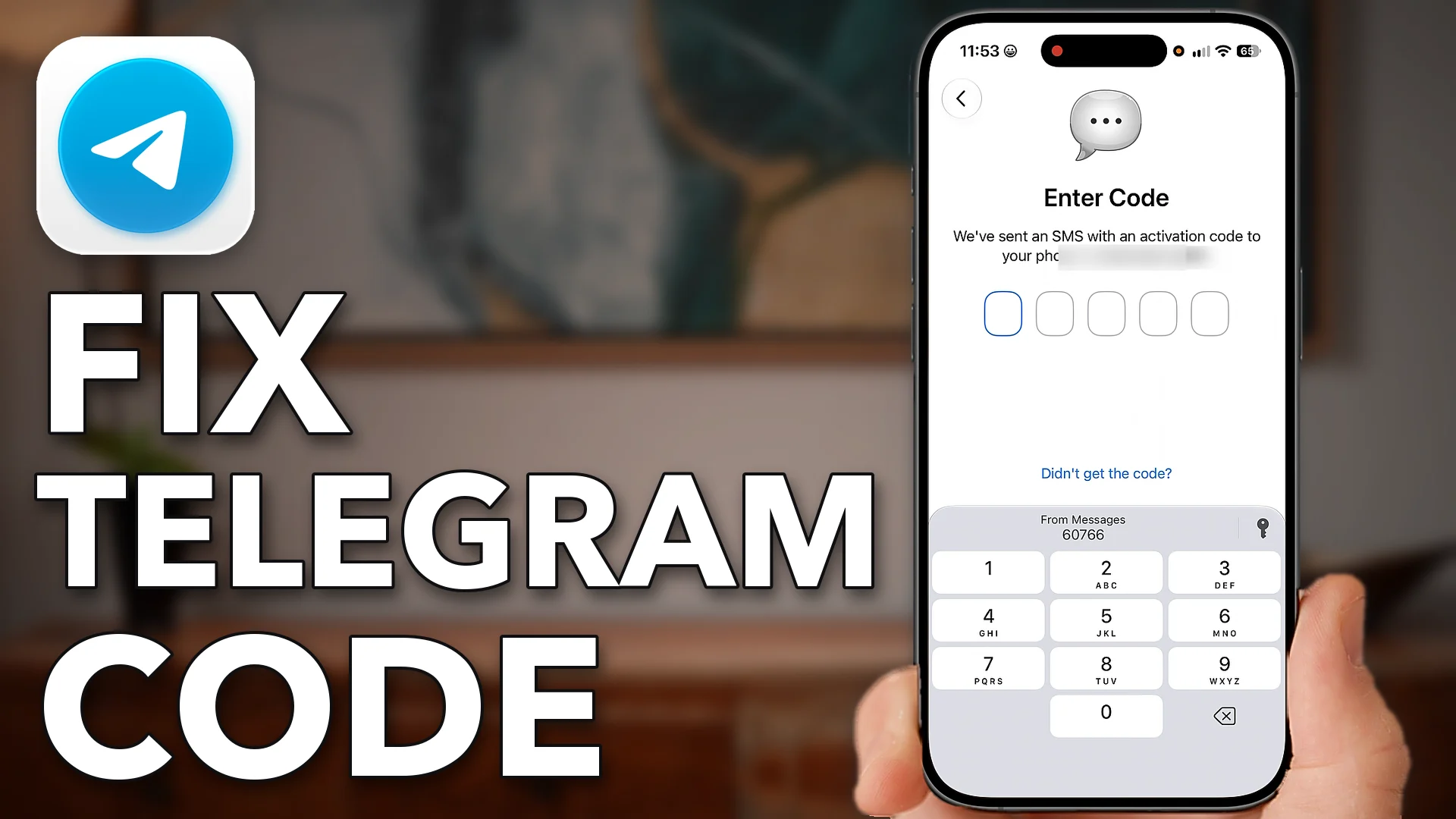
How To Fix Telegram Verification Code Not Received Or Sending
When Telegram’s verification code won’t arrive, reset your iPhone’s Messages settings, check the hidden filters, then reconnect and…
-
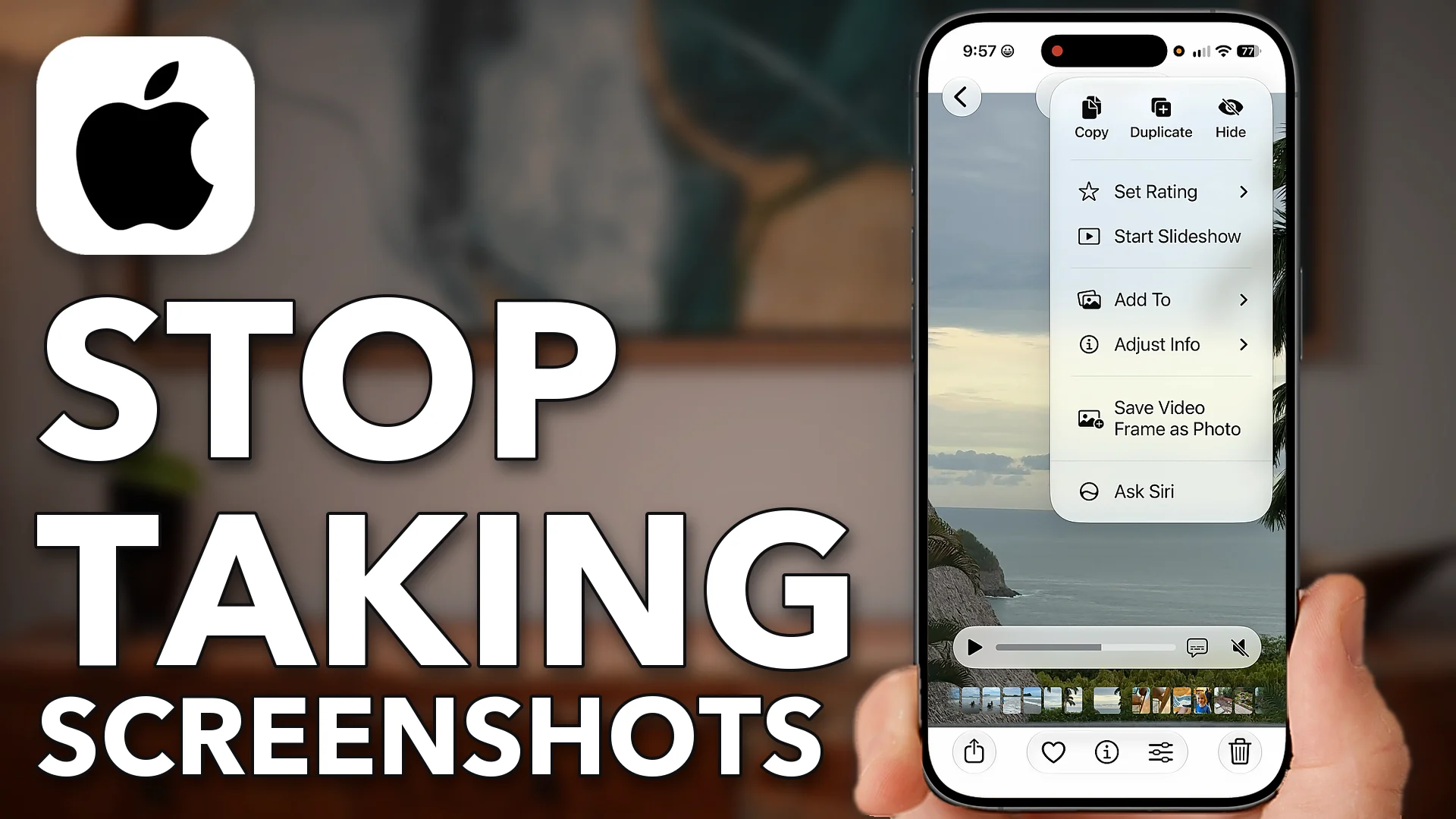
STOP Taking Screenshots – Do This Instead!
A screenshot of a paused video gives you a small, letterboxed picture: black bars top and bottom and…
-
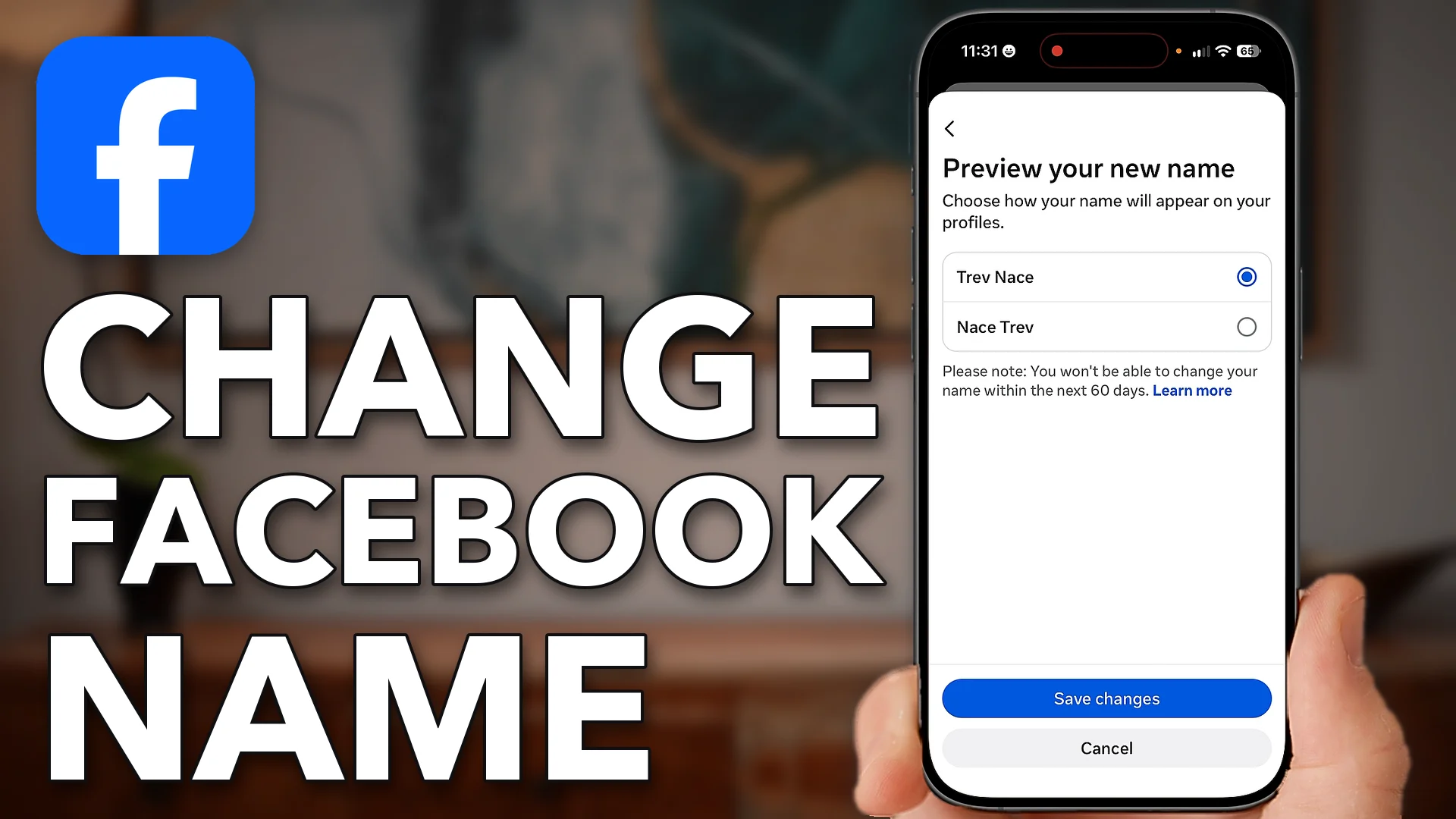
How To Change Name On Facebook
Change your Facebook name in Accounts Center, and check it carefully first: you can’t change it again for…

An iPhone can do far more than you think. I’ve spent years proving it, one question at a time.
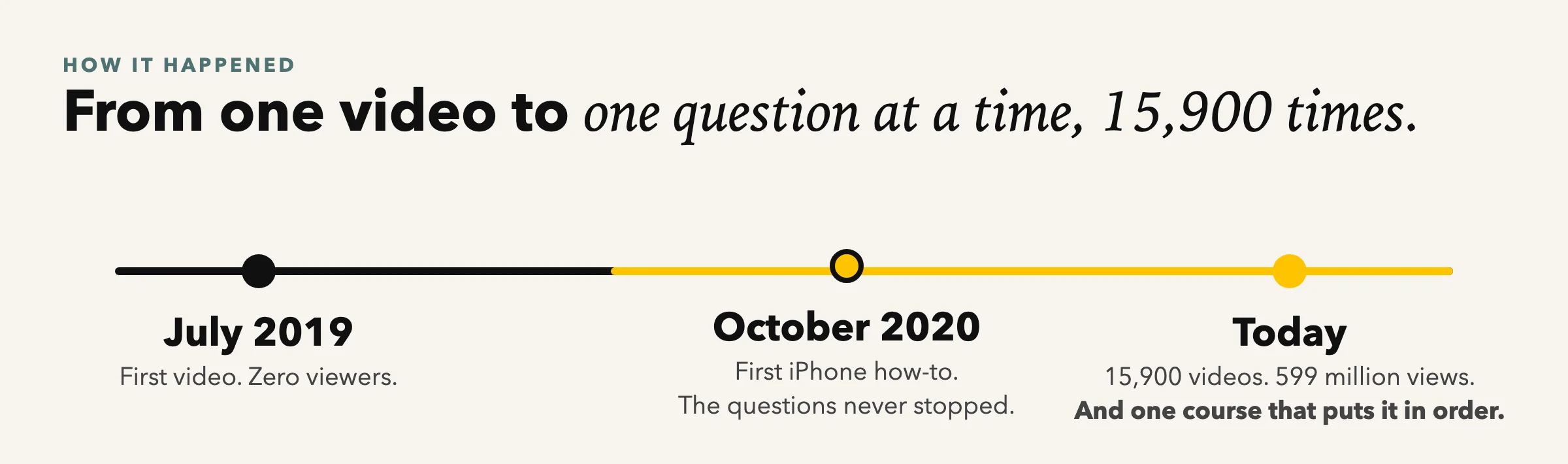
I started on YouTube in 2019 with one video and no audience. The first iPhone how-to came a year later, and the questions never stopped. Each video answers one of them in a couple of minutes: how to stop spam calls, why the storage is full, whether the phone is listening. Today there are thousands of them and millions of people watch every month.
The thing viewers ask for most is not another video. It’s everything, in order, from the first day with a new phone to the settings nobody told you about. That’s iPhone 101.
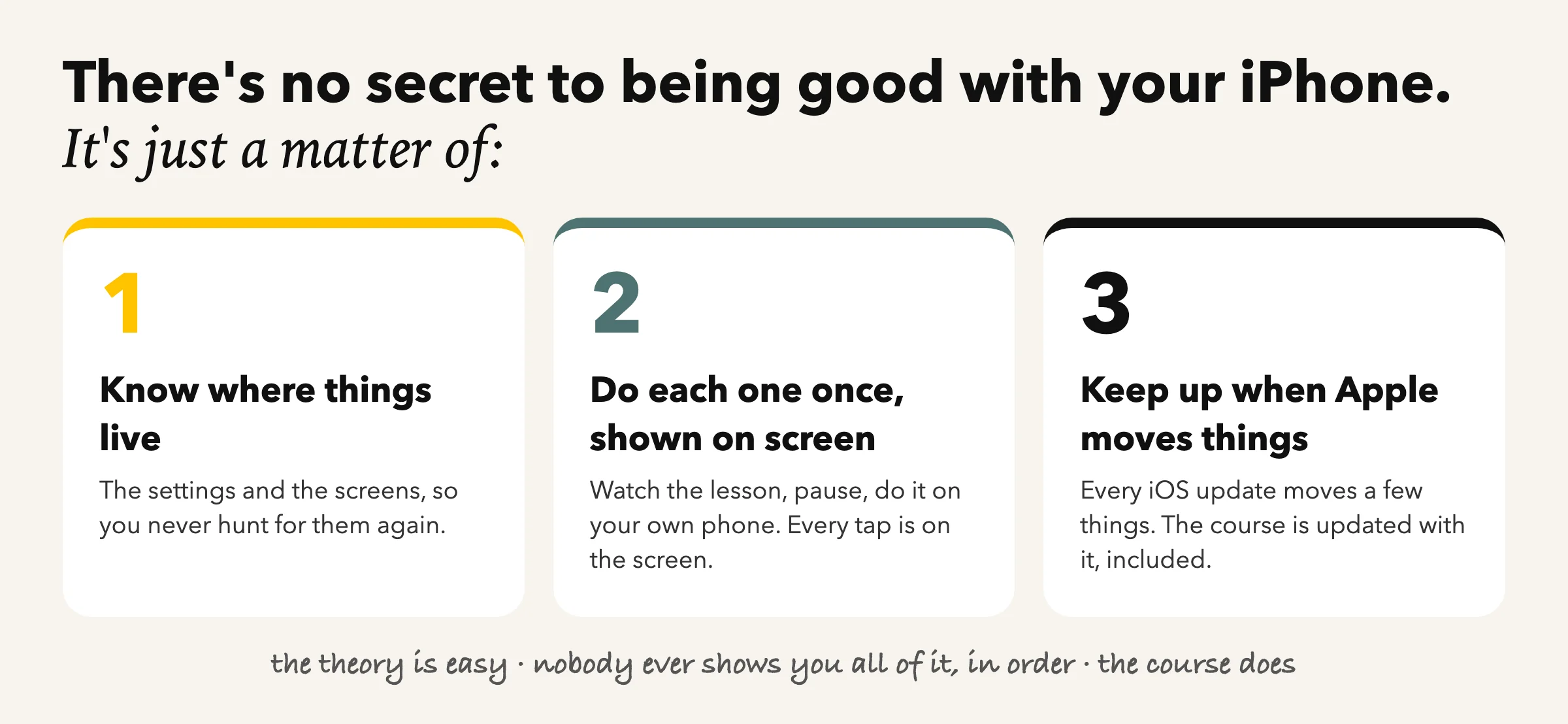
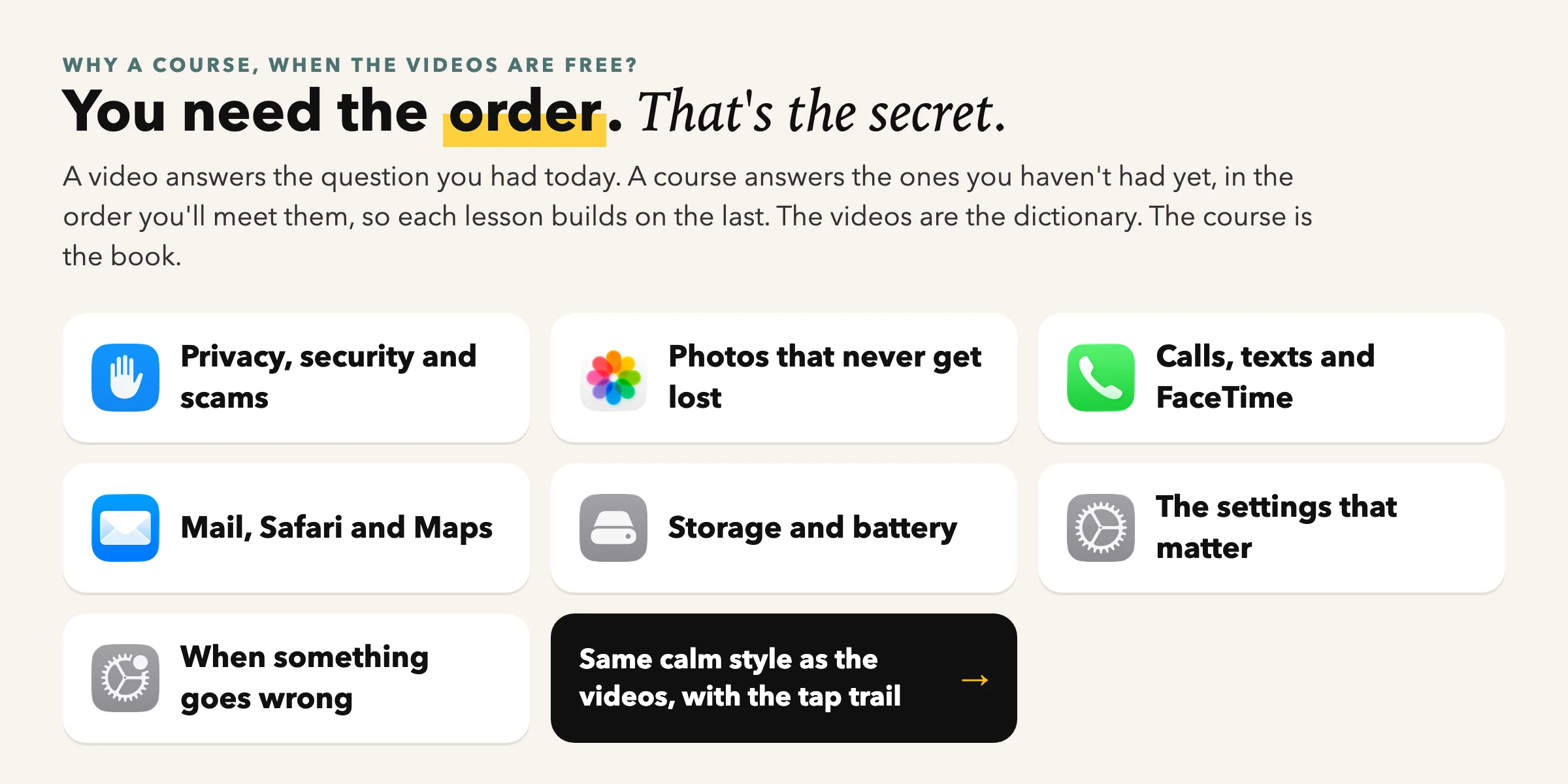
A video answers the question you had today. A course answers the ones you haven’t had yet, in the order you’ll meet them, so each lesson builds on the last. Think of the videos as a dictionary and the course as the book.
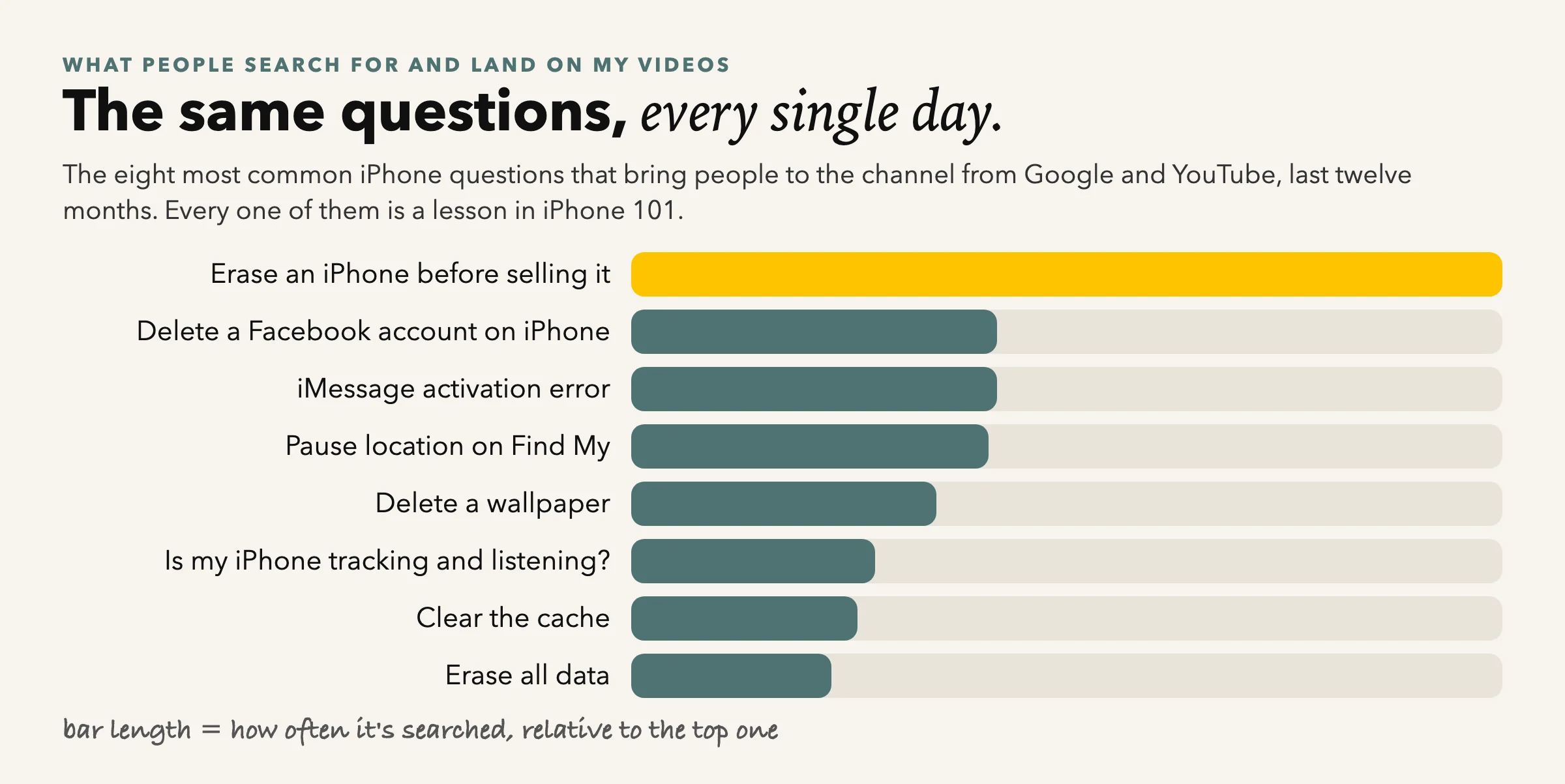
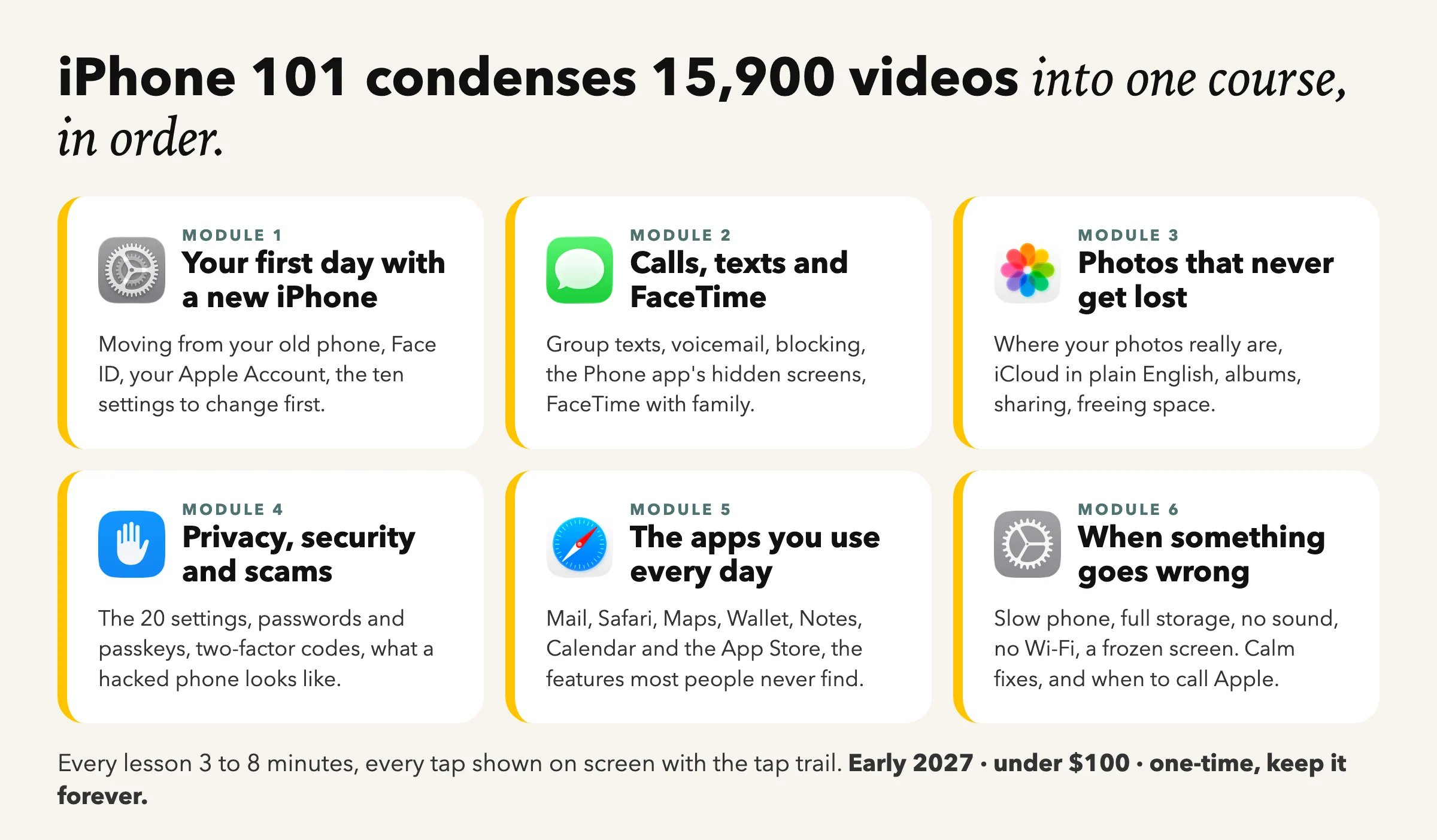
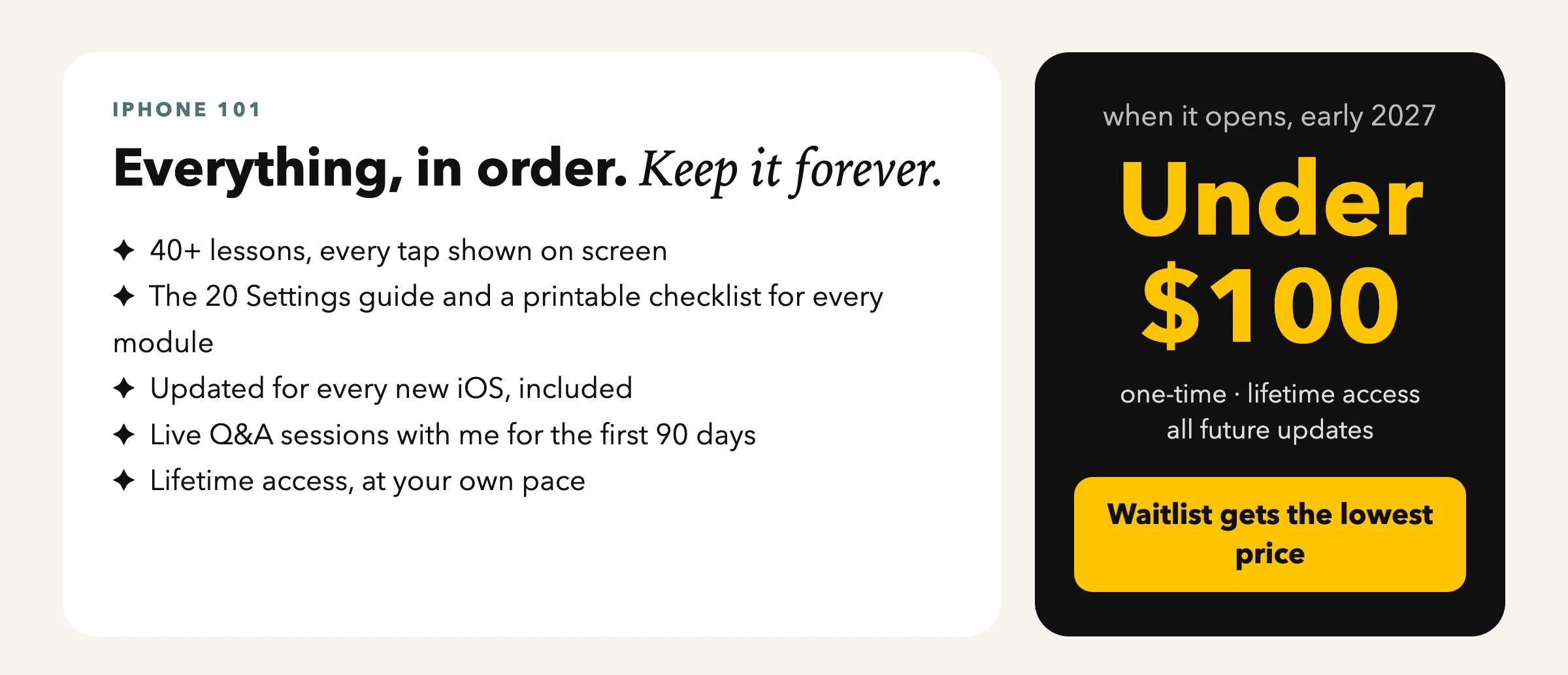
waitlist members pay the least anyone ever will · early 2027
Fair questions
What you’re probably thinking
“I’m not a tech person.”
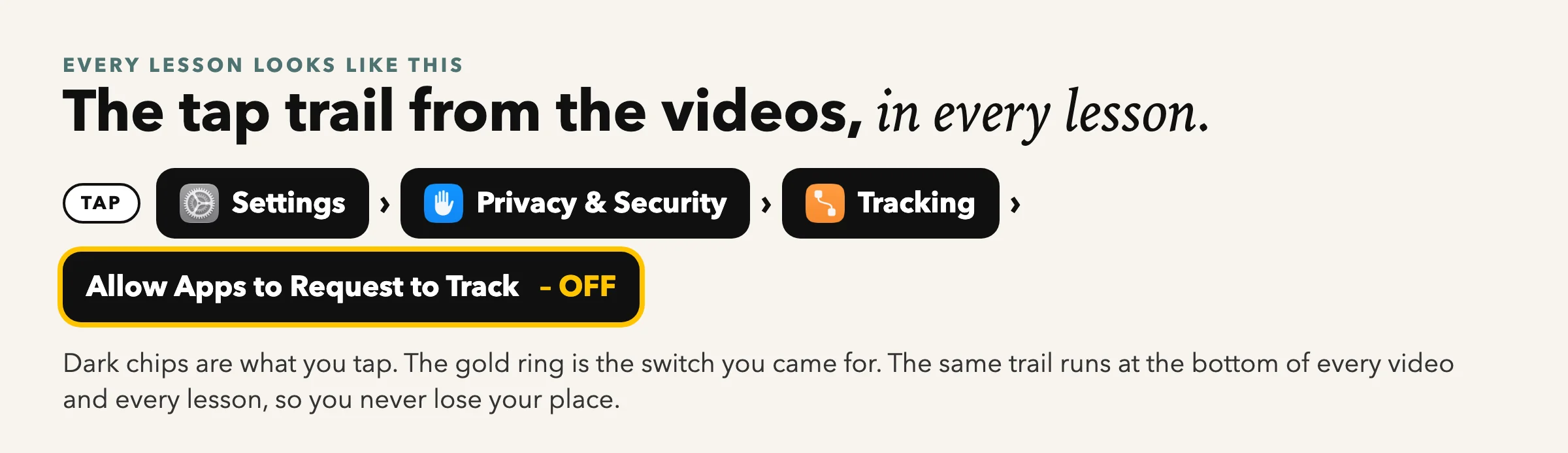
That’s who it’s for. Every lesson starts from the Home Screen and shows every tap.
“My iPhone is a few years old.”
Everything works on any iPhone that runs iOS 26 or 27 (iPhone 11 and newer).
“I don’t have time.”
Lessons are 3 to 8 minutes. Watch one, do it, come back tomorrow. Lifetime access.
“What if it isn’t for me?”
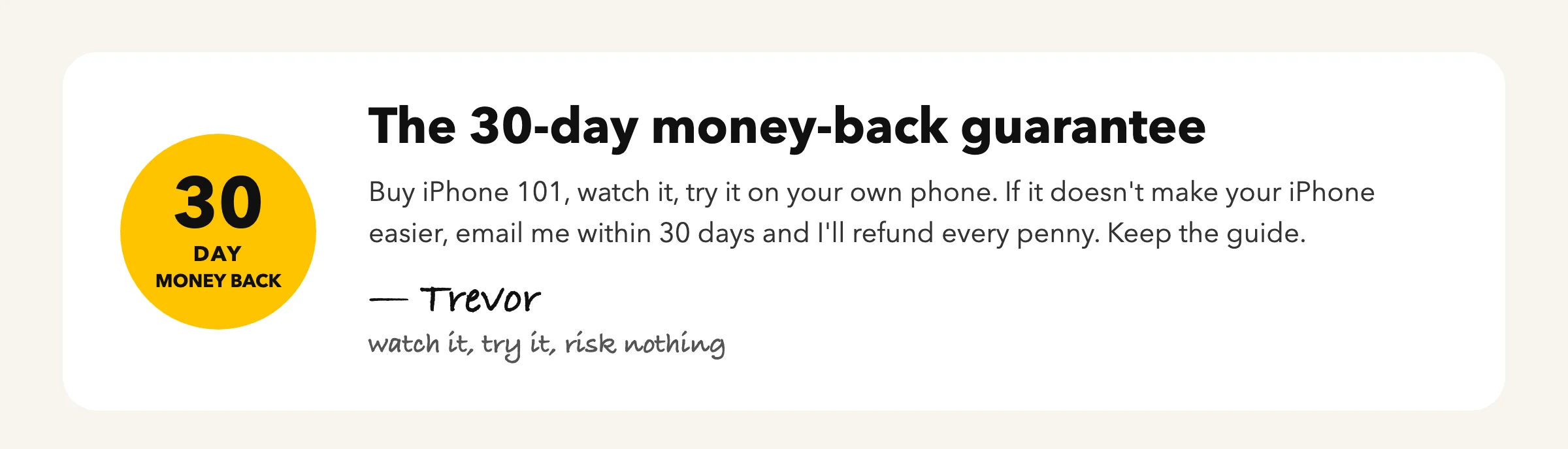
30 days, full refund, keep the guide.
“What happens when I enter my email?”
You get one email asking you to confirm. Click the button in it and the guide opens. Check Promotions or Spam if it isn’t there in a minute.
Your iPhone is one course away.
Join the people already on the list. Free guide today, lowest price when it opens.